
SaaS Dashboard Redesign Lifts Onboarding Completion to 81%
We partnered with a Singapore-based SaaS company to completely overhaul their user dashboard, removing UI friction and boosting new user activation in just 6 weeks.
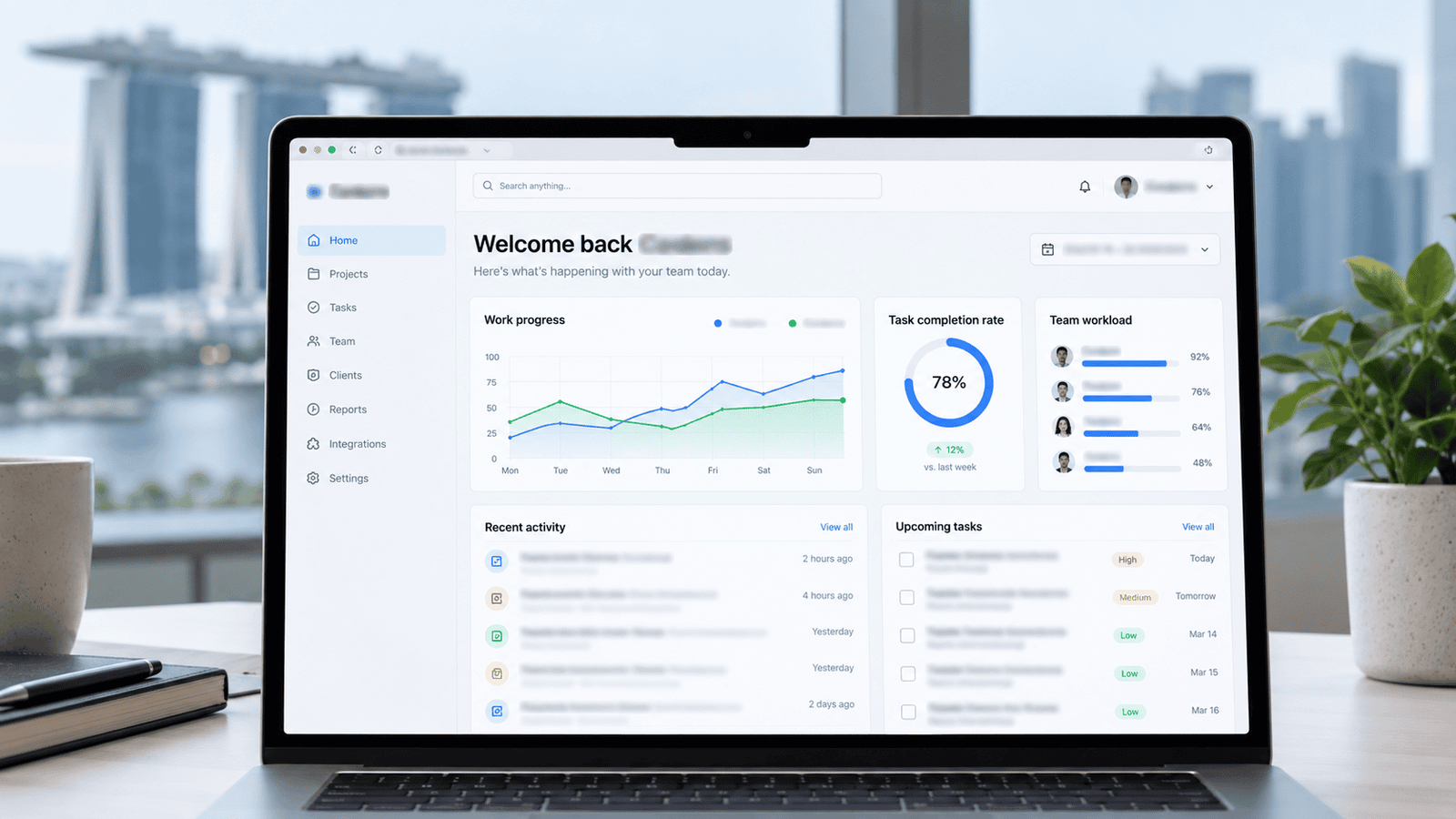

About the Client
Client identity withheld per NDA. A rapidly growing B2B SaaS platform in Singapore was acquiring new users quickly through aggressive marketing, but struggling heavily with retention due to a complex, overwhelming initial product experience.
High Drop-off During Initial Onboarding
Users were logging in, feeling overwhelmed by the interface, and abandoning the platform.
The "Time to Value" (TTV) was far too long. New signups were presented with a dense data table and no clear instruction on what to do first. This friction resulted in a dismal 38% onboarding completion rate, causing high churn within the critical first 48 hours of user activation. The client needed a complete UX overhaul to simplify the journey.
What We Set Out to Achieve
Measurable UX/UI goals agreed with the client before kickoff.
How We Got From Problem to Result
The UX/UI design process followed from kickoff to handoff.
UX Research
Analyzing user session recordings and pinpointing exact drop-off moments.
Architecture
Restructuring the dashboard navigation and simplifying data hierarchy.
Wireframing
Mapping out the new step-by-step guided onboarding journey.
UI Design
Creating a clean, modern, and accessible visual interface system.
Prototyping
Building interactive Figma prototypes for stakeholder and user testing.
Handoff
Delivering pixel-perfect designs and component libraries to developers.
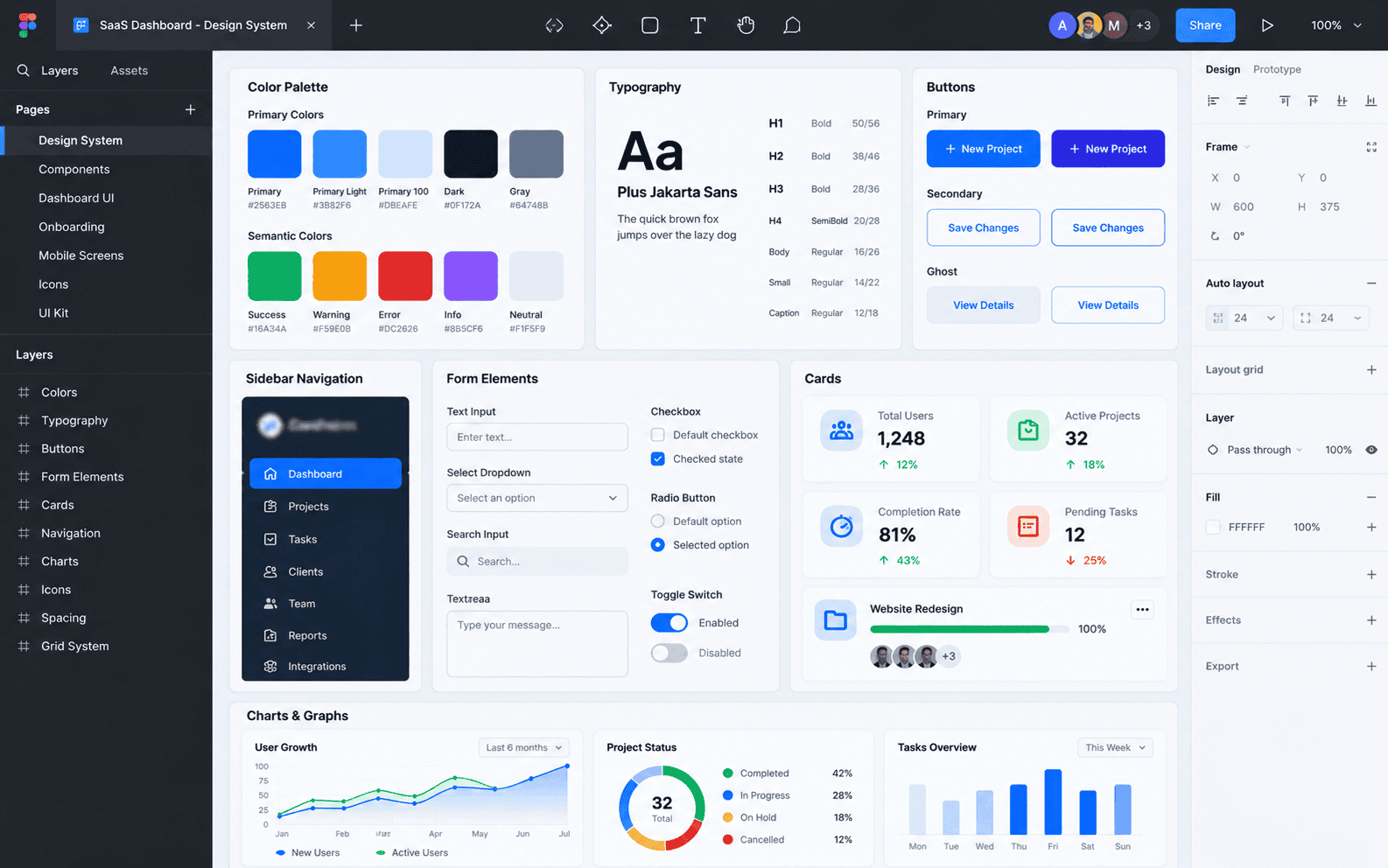
What We Designed It With
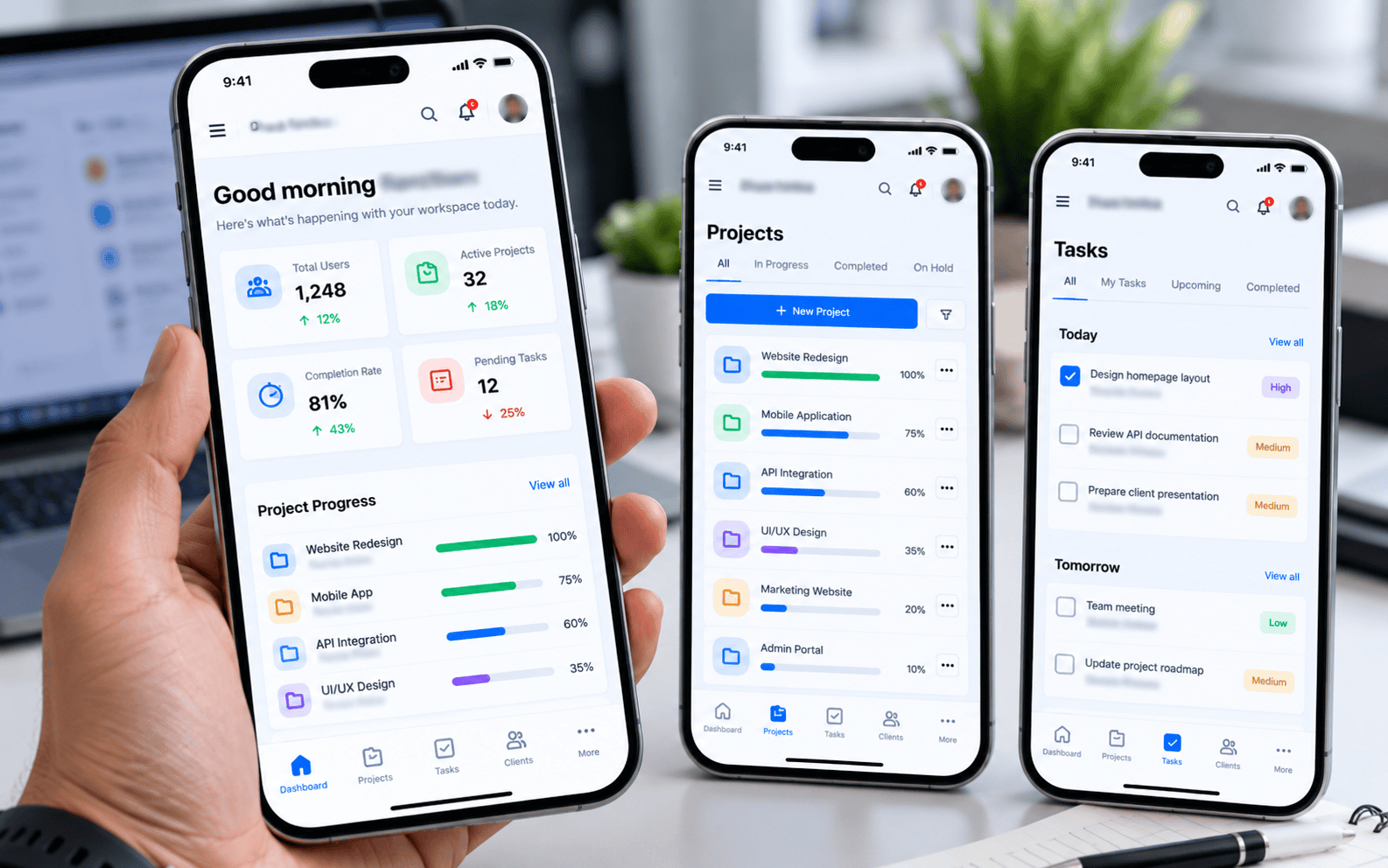
Before & After
Screens shown are representative mockups. Live product link withheld per NDA.
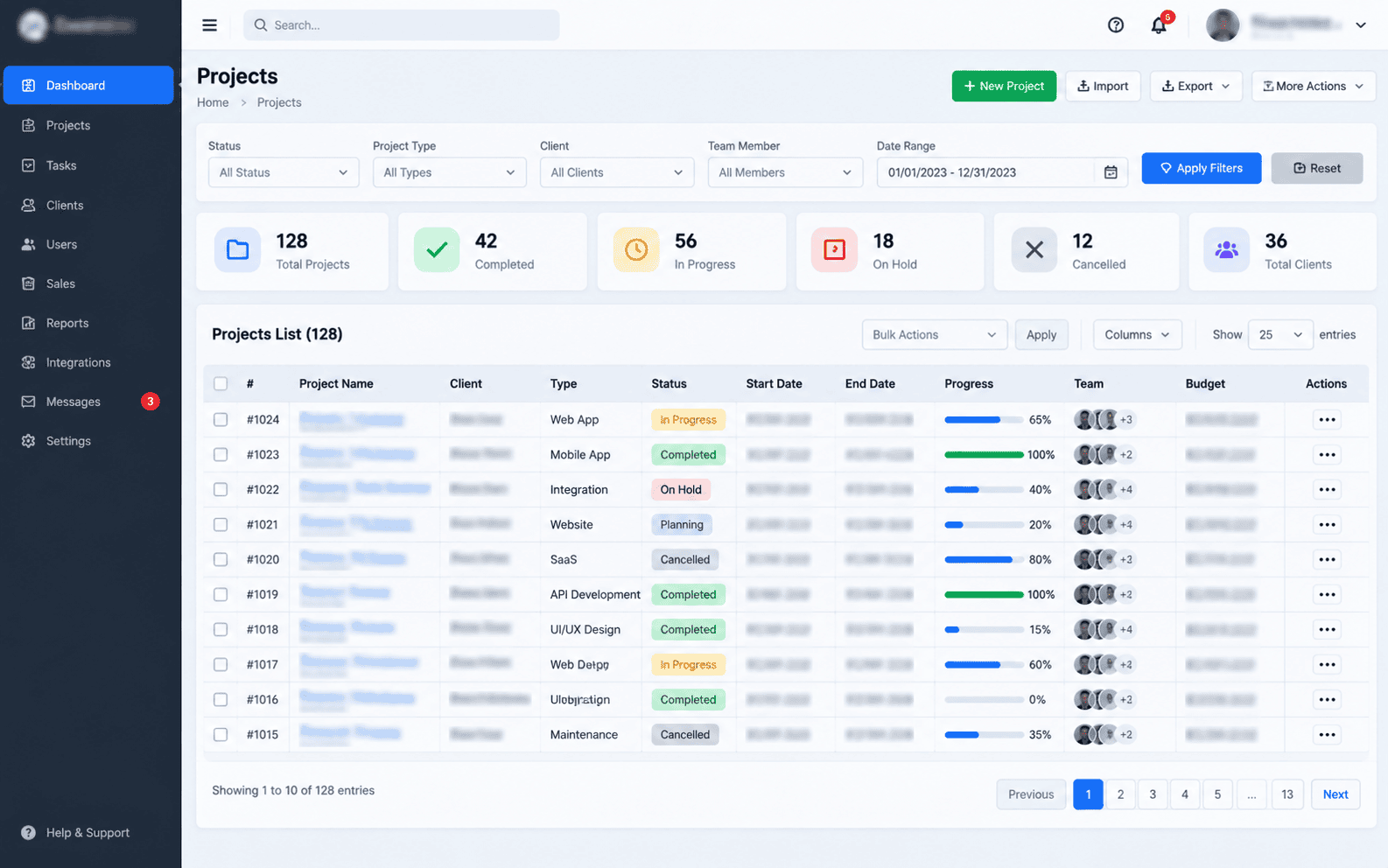
Before: Overwhelming and cluttered data views
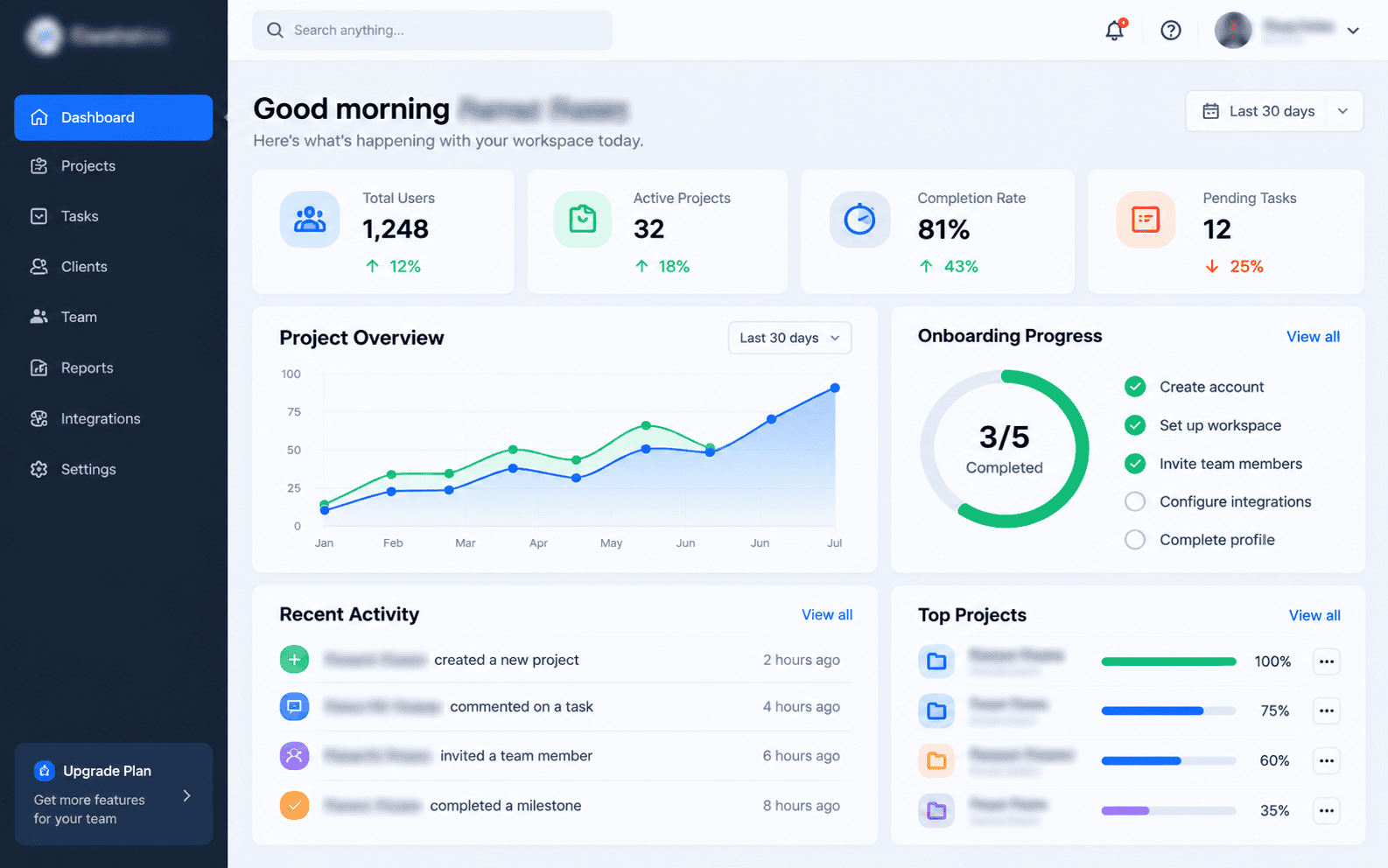
After: Clean layout with clear user hierarchy
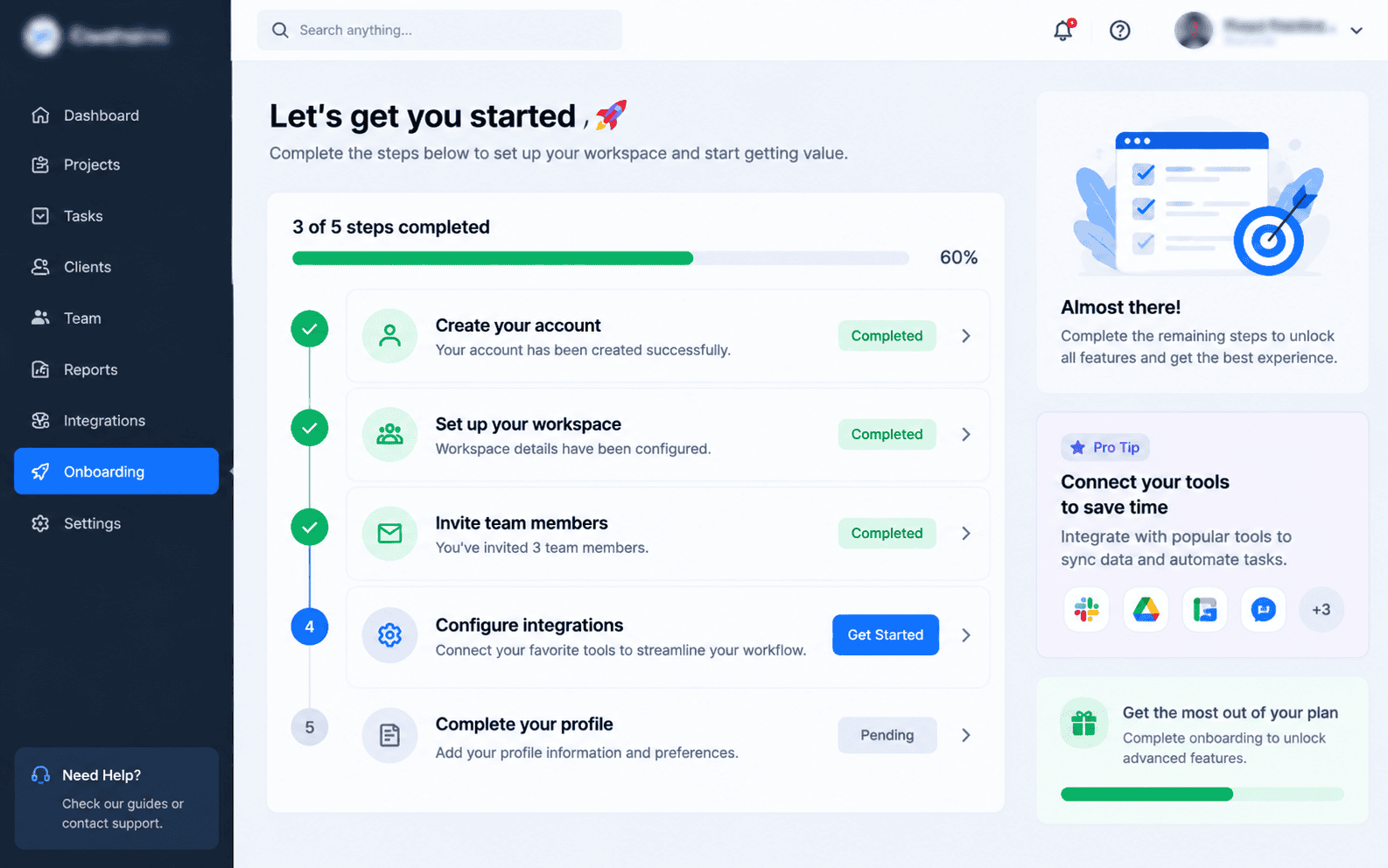
Numbers From the Real Campaign
Metrics measured post-implementation, compared against baseline.

What the Client Had to Say
"Client feedback is kept confidential under our client agreement. The new dashboard design fundamentally changed our retention metrics. Users now understand the platform immediately, and our customer success team spends way less time doing manual onboarding."
How Long It Took
Want Results Like This for Your Software?
Let's talk about your project and how we can design an experience that converts.